click to enlargeI think I have a Heltec V4 that will work at your house.
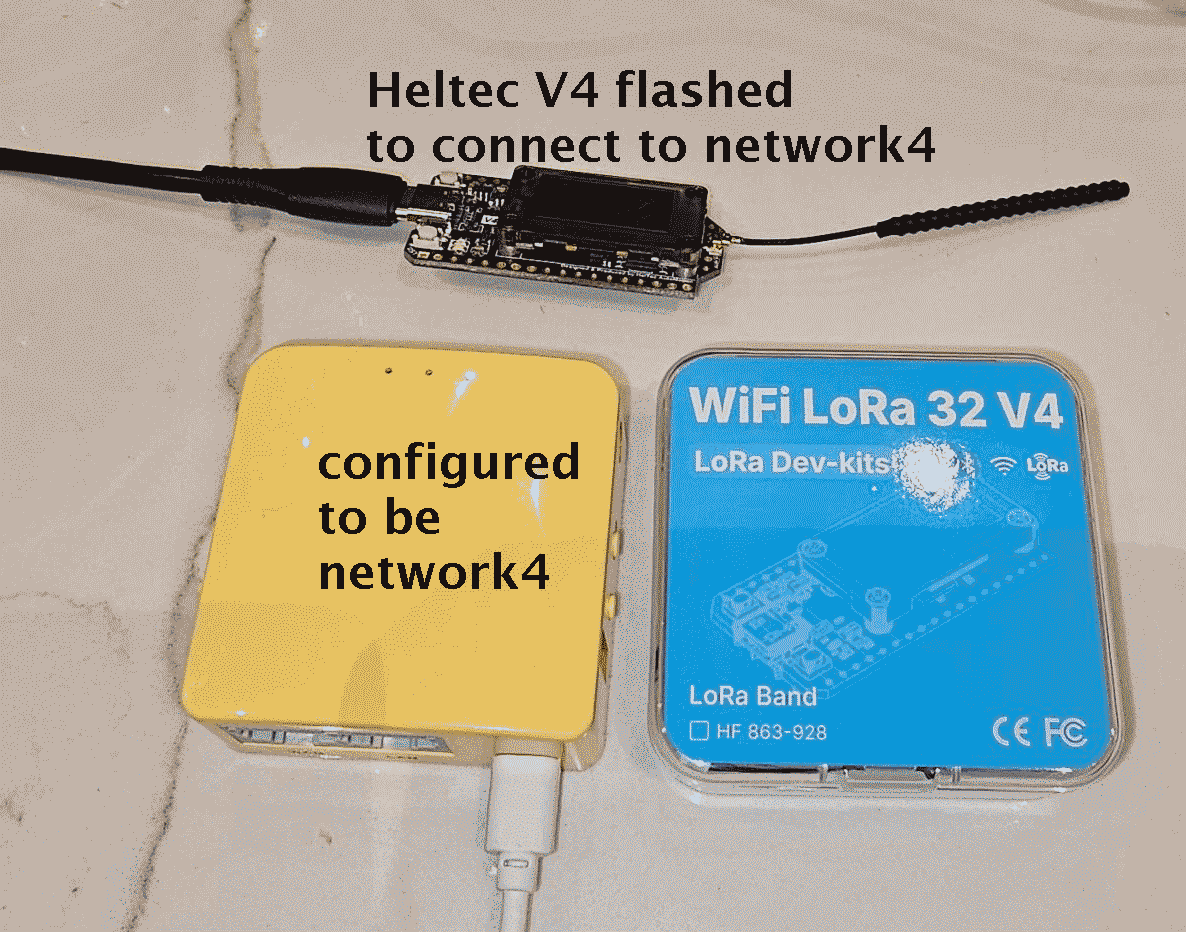
I started by configuring a mango glinet router (seen at right) to fake the network4.
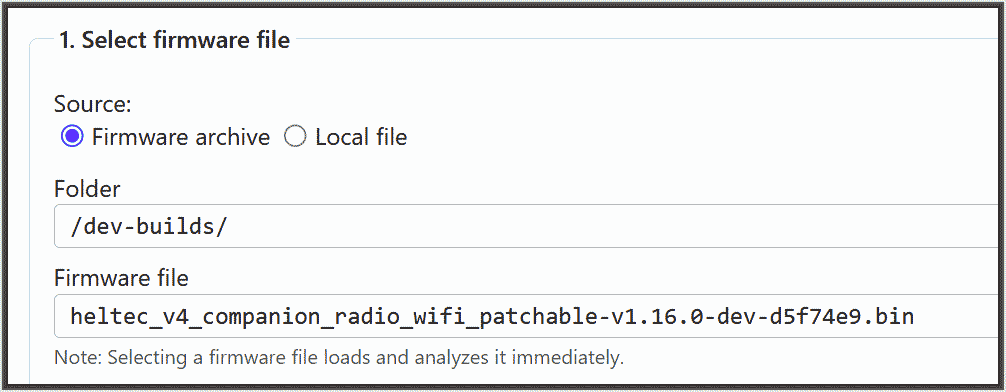
click to enlargeI then used this web page to construct firmware. I used the firmware settings shown at right. The result was a file named heltec_v4_tft_companion_radio_wifi_patchable-v1.16.0-dev-d5f74e9_merged_patched.bin .
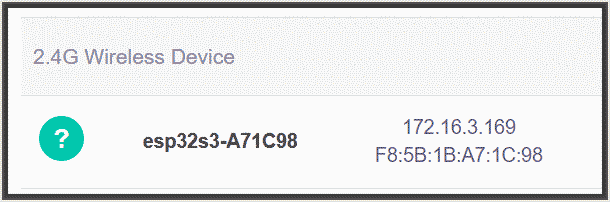
click to enlargeI flashed the firmware to a Heltec V4, seen in the photo above. With a reboot, the Heltec V4 logged in at the wifi as you can see at right.
As you can see, the MAC address is f8:5b:1b:a7:1c:98 and the device identifies itself to the DHCP server as esp32s3-A71C98.
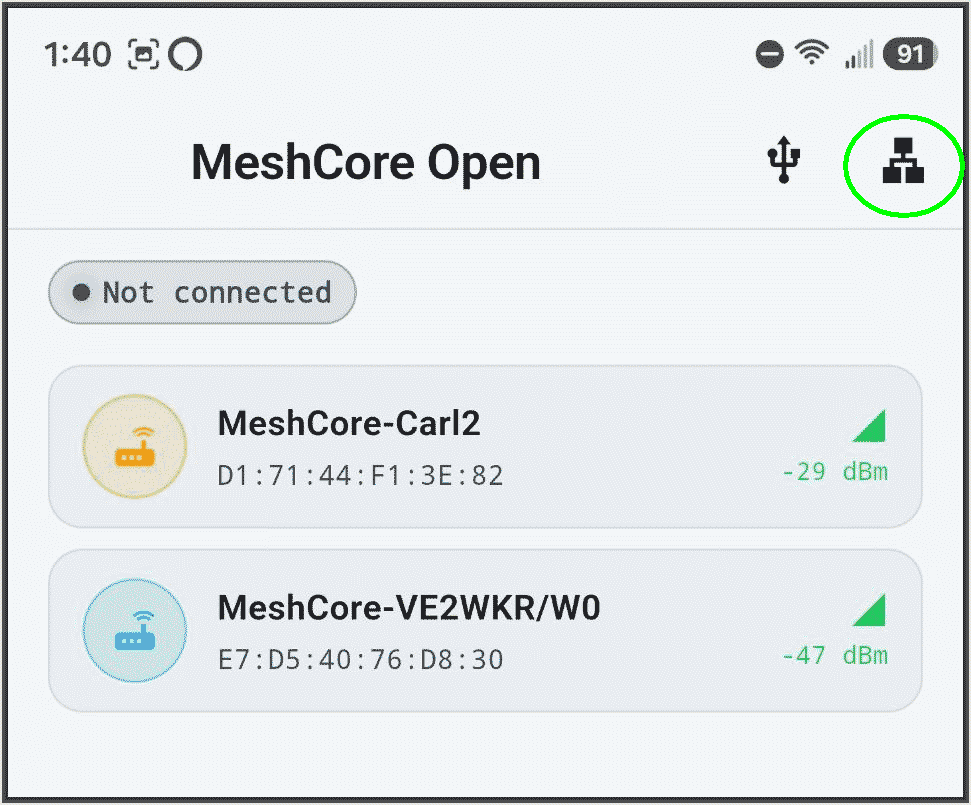
click to enlargeI then connected my Meshcore Open Android app to the fake network4, and clicked on the three squares icon shown at right.
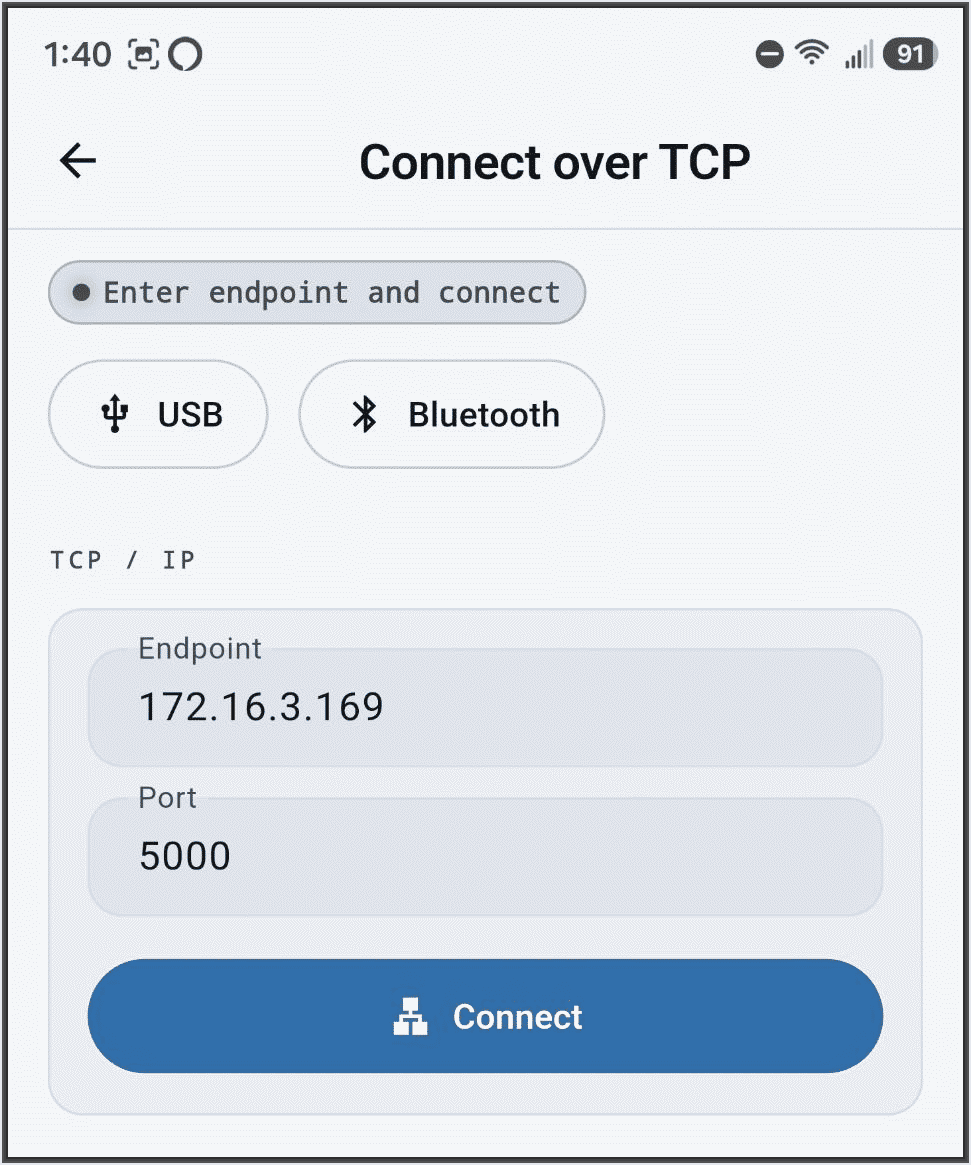
click to enlargeThis opens the Connect over TCP dialog seen at right. Leave the default port 5000 undisturbed, entering only the IP address (here, 172.16.3.169) and clicking Connect.
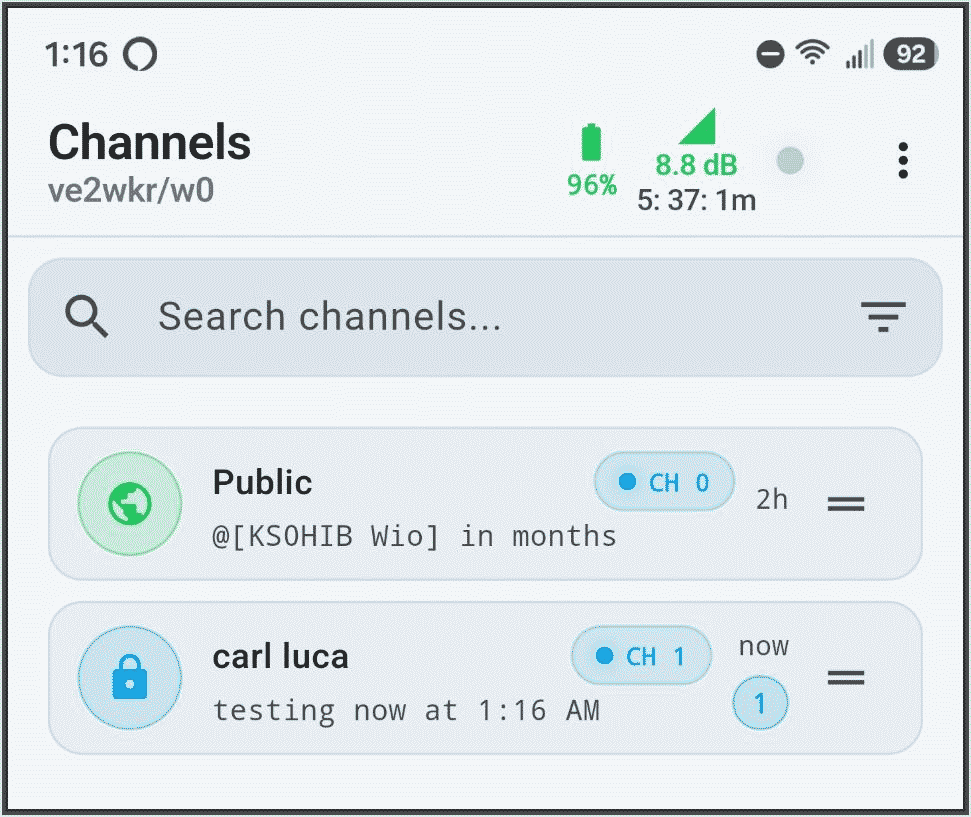
click to enlargeThis permitted full control of the companion Heltec V4 using the Android app. I created the carl-luca private channel as seen at right, and tested it.